
Who once held it?
A former owner turns an anonymous object into a loss, a disputed possession or a keepsake. Decide whether that person is alive, known to the party or only remembered through a mark.
Give the next reward a past
A locket can be evidence. A chalice can be a claim. Give recovered objects a former owner, a discovery reason and a possible consequence, then decide which story belongs at your table.
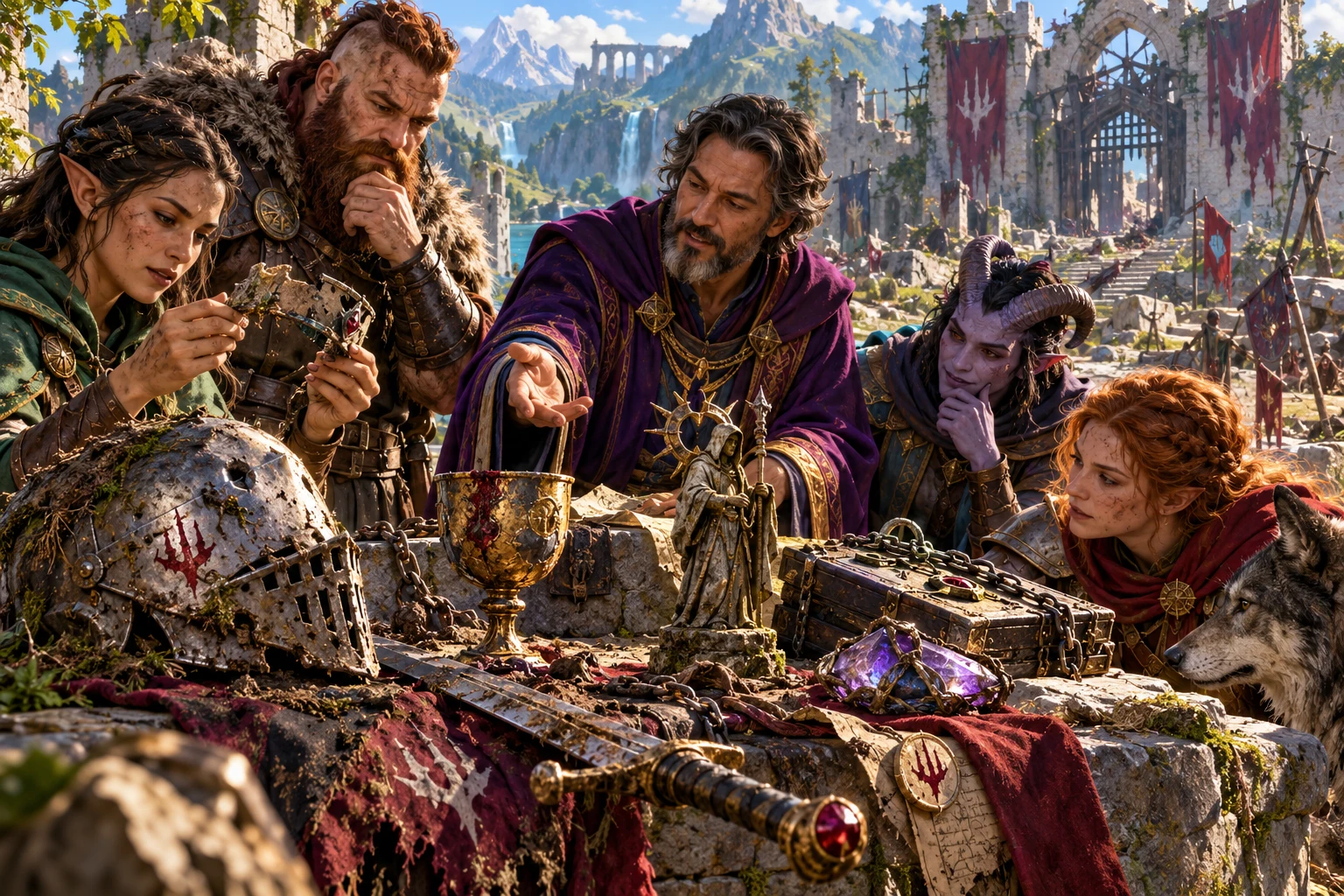
Beyond an inventory label
Prepare possible histories for the objects the party already found. You decide which connections become true.
A former owner turns an anonymous object into a loss, a disputed possession or a keepsake. Decide whether that person is alive, known to the party or only remembered through a mark.
A discovery reason can suggest concealment, payment, confiscation or abandonment. Review the independently selected passage against the actual location and circumstances in your adventure.
Condition, a physical description and an expanded clue can give the players something to inspect. Decide what is immediately visible and what requires investigation.
A story tag and consequence offer a claim, reaction or new question. They are preparation prompts; keeping or selling the item does not automatically change your campaign.
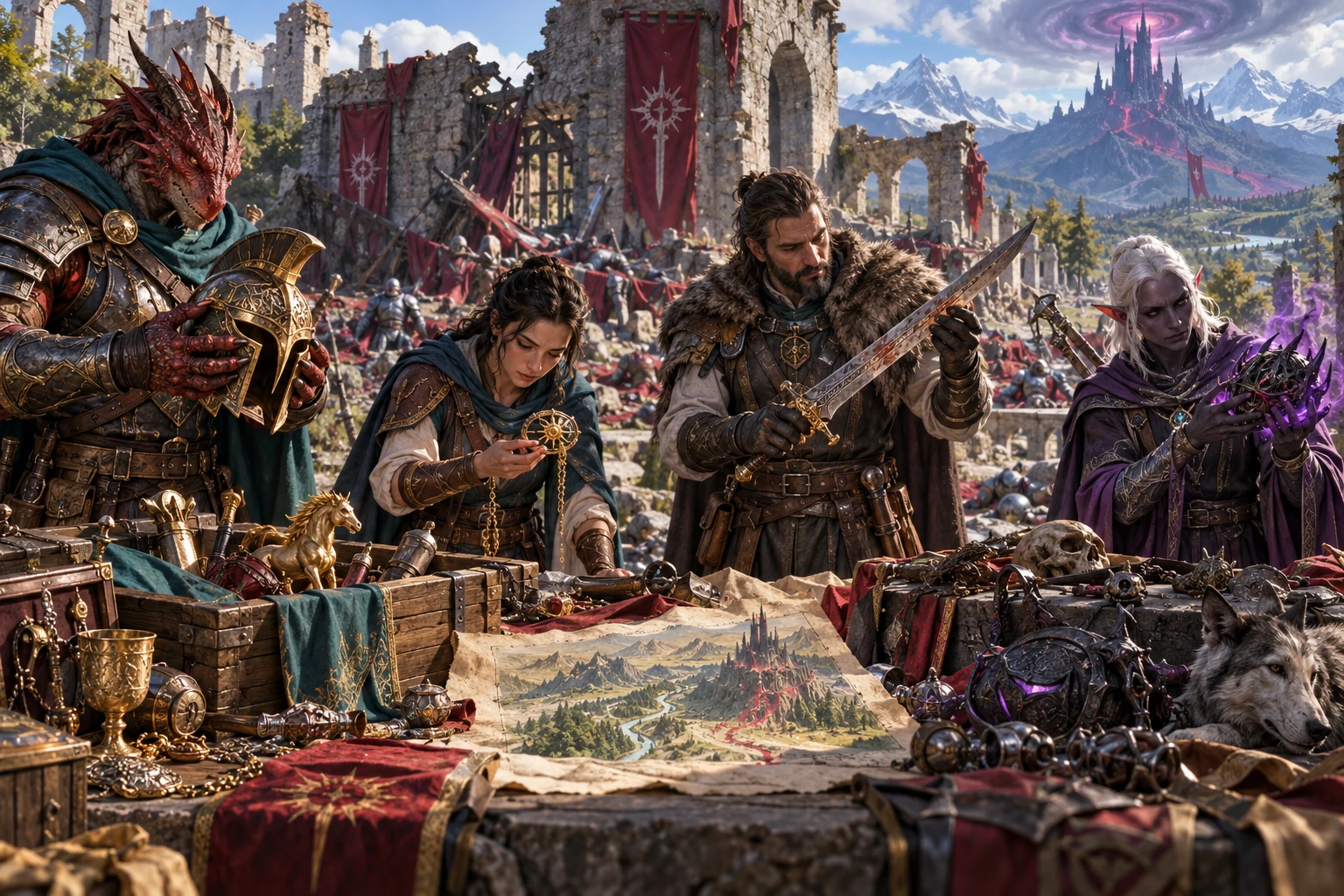
Read the clues before drawing a conclusion
The illustration shows adventurers inspecting marked equipment, a pendant and a map. Use condition, provenance and a clue to prepare a similar moment: what can the party see, who might recognise it and which question deserves investigation?
The actual tool adds authored narrative passages to names you enter. It does not analyse a pictured object, construct a map or prove how the independently selected histories fit together. Review each connection and choose what the players can learn.
From recovered objects to story prompts
A short list can become preparation for several scenes. Review the complete result before saving or sharing.
Enter one item name per nonblank line, up to twenty-four items. The names label the objects; you supply the scene, value and rules context yourself.
Begin with Full context or select Direct only. Optionally hold an owner, reason, condition, story tag or consequence. The selected locks apply to every object in the list.
Contextualise the whole hoard and inspect owner, discovery reason, condition and possible aftermath. Full context adds provenance, a clue, a secret and legal status. Check whether these independently selected details belong together.
Keep the exact result as a local saved hoard. Copy the full text when you need to move it into your notes, then redact private material before giving an excerpt to players.
What the current tool provides
Prepare narrative connections, keep selected facets and retain useful hoards locally.
Enter names for objects the party has already found. Add a former owner, reason for discovery, physical condition, story tag and possible consequence through independently selected authored passages.
Put one item per line, up to twenty-four items. Each gets its own context. Blank input becomes a mysterious object; the tool supplies narrative context rather than creating or pricing a treasure package.
Direct only provides the core owner, reason, condition, tag and consequence. Full context also adds provenance, a clue, a secret and legal status. Read the combined result before making it true in your campaign.
Choose a former owner, reason, condition, story tag or consequence under Keep these. These five locks apply across the whole hoard. Reroll the complete list with the chosen facets retained.
A typed seed repeats with the same item list and order, depth and locks. Blank-generated seed labels do not reliably replay. Keep a local save when the exact result matters.
Copy the hoard includes every generated text layer, including expanded secrets. Review and redact the text for the intended audience; there is no player-safe copy switch.
Save the current result on this machine, open a saved hoard or remove its local record. Opening restores the saved input text and result, not depth, locks or seed.
Use claims, clues, condition and consequences as preparation. Results are not priced or rules-balanced and do not alter inventory or campaign state. There is no Combat PRO handoff on this product surface.
Choose how much context to prepare
The depth selection controls the next generation. Changing it leaves the displayed result in place until you contextualise again.
Use the core former owner, discovery reason, condition, story tag and consequence when you want a shorter narrative prompt. There is still private story material to review before sharing.
Add provenance, a clue, a secret and legal status. These layers can suggest an investigation or contested claim; they do not guarantee a solved mystery or a coherent legal case.
Hold a visible condition when it already fits the find. The result includes the matching condition description; decide which fictional implications your rules and scene support.
Select a common owner, reason or consequence when a shared thread suits the collection. A held facet is applied across the list, while unheld details are chosen again.
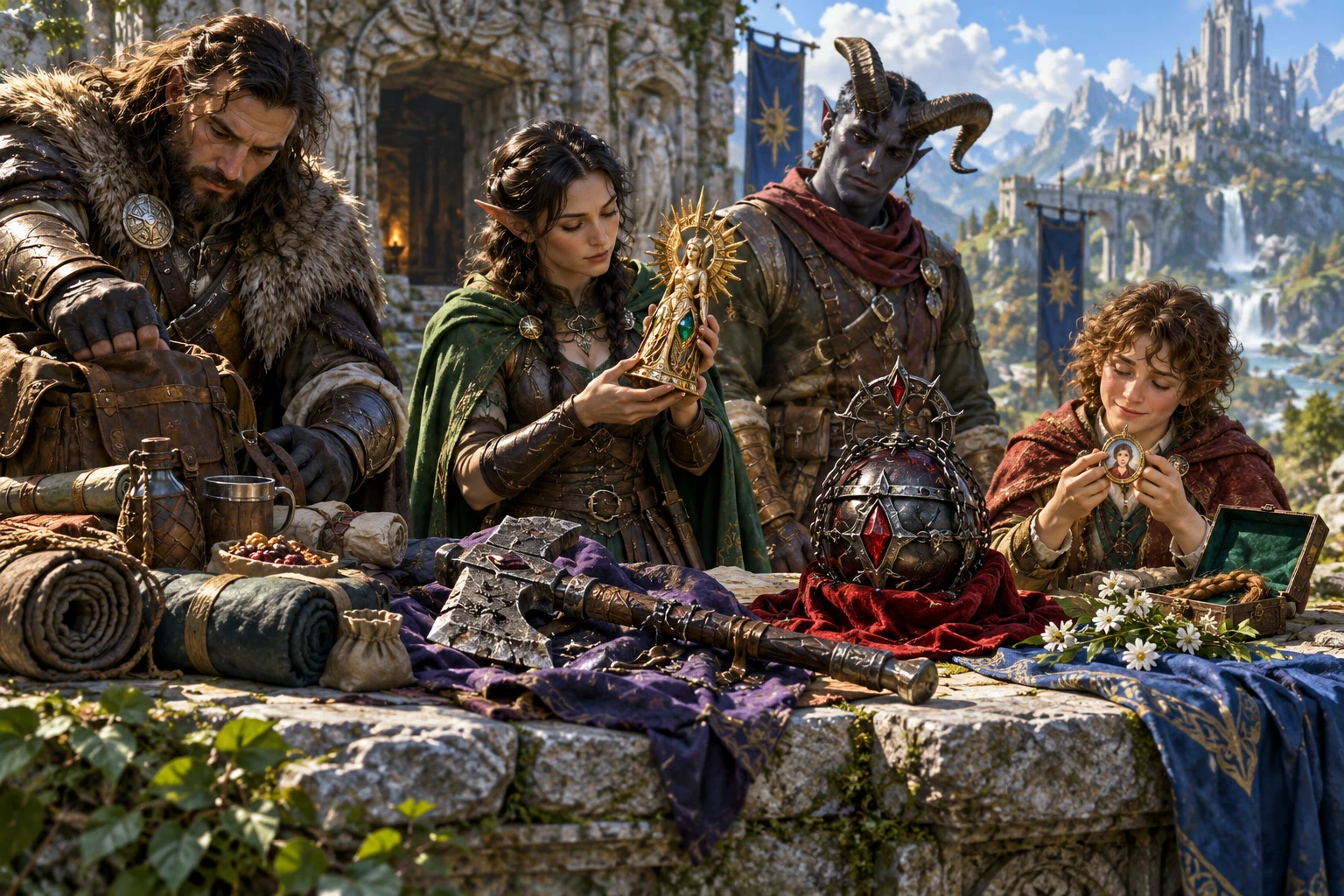
A reward can lead to another scene
The illustration shows a statuette, portrait locket and recovered belongings under inspection. The actual result is text: possible ownership, discovery, condition, story significance and consequences, with additional private layers in Full context.
Use it to prepare an heir’s claim, a recognisable mark or a later reaction. The tool does not supply these item images, a treasure valuation or a rules-balanced equipment dossier. Read and adapt the narrative before making the reward part of your campaign.
Hold what fits, then reroll
Keep useful facets deliberately. Generating again replaces the on-screen hoard without changing existing saves.
Keep an owner, reason, condition, tag or consequence. These five locks apply across the whole hoard, rather than protecting individual items or the additional Full context layers.
Roll everything again releases the held facets but does not generate a new result. Press Contextualise when you are ready to replace the full hoard. There is no individual-item reroll or result editor.
A typed seed can repeat with the same item list and order, depth and locks. Changing a held facet or depth changes the random choices. The seed input clears after every generation.
Blank-generated seed labels do not reliably replay when re-entered. Keep the hoard as a local save when you want the exact text again, rather than relying on a displayed seed label alone.
Review the story before using it
Choose what the table should discover and which possible consequences you want to prepare.
Names label the objects rather than controlling the authored narrative. Independently selected owner, clue, secret and consequence passages can need adaptation. There is no semantic compatibility check or automatic rules validation.
Copy the hoard includes secrets when present, along with story tags and future consequences. There is no player-safe copy switch. Review the complete text and share only the portion your players should know.
The current surface supplies full-text copying and local saved records. It has no JSON download or print action. Move the reviewed text into your own notes when you need another presentation format.
The result is not priced or rules-balanced and does not alter inventory or campaign state. It creates no item artwork, complete mechanical dossier or Combat PRO encounter. Decide which claims and reactions become true.
Choose access for your toolkit
Loot Contextualizer is a paid standalone tool. Begin with a free VISINVOKE account, then review the required selection and subscription.
Select Loot Contextualizer individually. Creating a free account does not by itself include paid generator access.
Choose five eligible standalone generators. Review your selected tools and subscription terms in your account; a selection pack does not include every VISINVOKE product.
Choose more selection capacity when it suits your toolkit. Review the actual tools and reselection terms before changing your subscription.
No Combat PRO subscription is required for this local tool, and there is no Combat PRO handoff on its current surface. Other generators, Battlemaps and image products have separate purposes and access.

Saved hoards stay on this machine. Save writes the current input text and generated result to the product’s local application data. There is no account cloud library or autosave on this surface.
Each Save creates a new record, shown with its title and seed label. Open a saved hoard or use Remove to delete that local record. The current surface has no search, tags, rename or version history.
Opening restores input text and the result, not depth, locks or seed. If you edited item names after generating, the saved input text can differ from the generated list. Review both before using them again.
Start Here and How Do I guidance explain listing finds, contextualising a hoard, holding facets and saving results. Use the actual controls and review the text for your scene and audience.
Loot Contextualizer adds possible history to existing item names. Treasure-package construction, full item design, magical-item mechanics and campaign bookkeeping remain separate tasks.
Build your tabletop toolkit
Each card opens that product’s own public website. Review its purpose and access separately; these links do not promise included access or automatic synchronisation.

Discover and open your supported Windows products through one connected VISINVOKE account.

Explore environment packs for tactical locations and the places your encounters unfold.
Review prepared opposition, tune creature statistics and run tabletop encounters with its own access.
Create focused character, monster, item and location images to complement your tabletop preparation.

Create guided commercial visuals for websites, brochures and wider creative projects.

Explore a separate futuristic RPG experience with its own world, characters and progression.
Product artwork illustrates adventurers inspecting loot, not application screens or actual generated image output.
Quick answers
Understand the controls and copying boundaries before opening the tool.
It adds narrative context to names of existing objects: a former owner, reason the object is here, condition and description, story tag and possible downstream consequence. Full context also adds provenance, a clue, a secret and legal status. Authored passages are independently selected; names label the objects rather than supplying semantic rules for the narrative. Review whether the combination fits the object and scene.
Full context is the initial depth and includes the four additional layers: provenance, clue, secret and legal status. Direct only keeps the core narrative fields. Both work with the same item list and five visible facet locks. Switching depth changes the generation choices; it does not revise an existing result until you press Contextualise.
Choose a value for former owner, discovery reason, condition, story tag or consequence. The five locks apply across the whole hoard, so every item receives the selected value for a held facet. Press Contextualise to replace the full result. Roll everything again clears locks but does not generate a new result until you contextualise. The current surface has no individual-item reroll, added-layer lock or result editor.
A seed you type can repeat a result with the same item list and order, depth, locks and current product content. Blank-generated seed labels do not reliably replay when re-entered. The seed input clears after generation, and changing depth or locks changes the choices. Save the exact hoard locally instead of relying on every displayed seed label.
Saved hoards stay on this machine in the product’s local application data. Each Save creates a new record. Open restores saved input text and the result, not depth, locks or seed. Remove deletes that local saved record. There is no account cloud library, autosave, search, tags, rename or version history on the current surface. If you change input text after generating, review it alongside the displayed result before saving.
Copy the hoard includes secrets, story tags and future consequences when present. There is no player-safe copy switch; review and redact for your audience. The current surface has no JSON download or print action and no Combat PRO handoff. It supplies narrative prompts, not a priced or rules-balanced item dossier, generated item image, automatic inventory change or campaign update. Paid standalone generator access is separate from a free VISINVOKE account.
Continue in VISINVOKE
Create a free VISINVOKE account and choose the required generator access.
Get Desktop Command Centre from your account installer page. Sign in on Windows, then open Loot Contextualizer.